Create Your First Form
Create a form, give it a name, and open the builder to start building.
Create a New Form
From your dashboard, open Forms and click Create form.
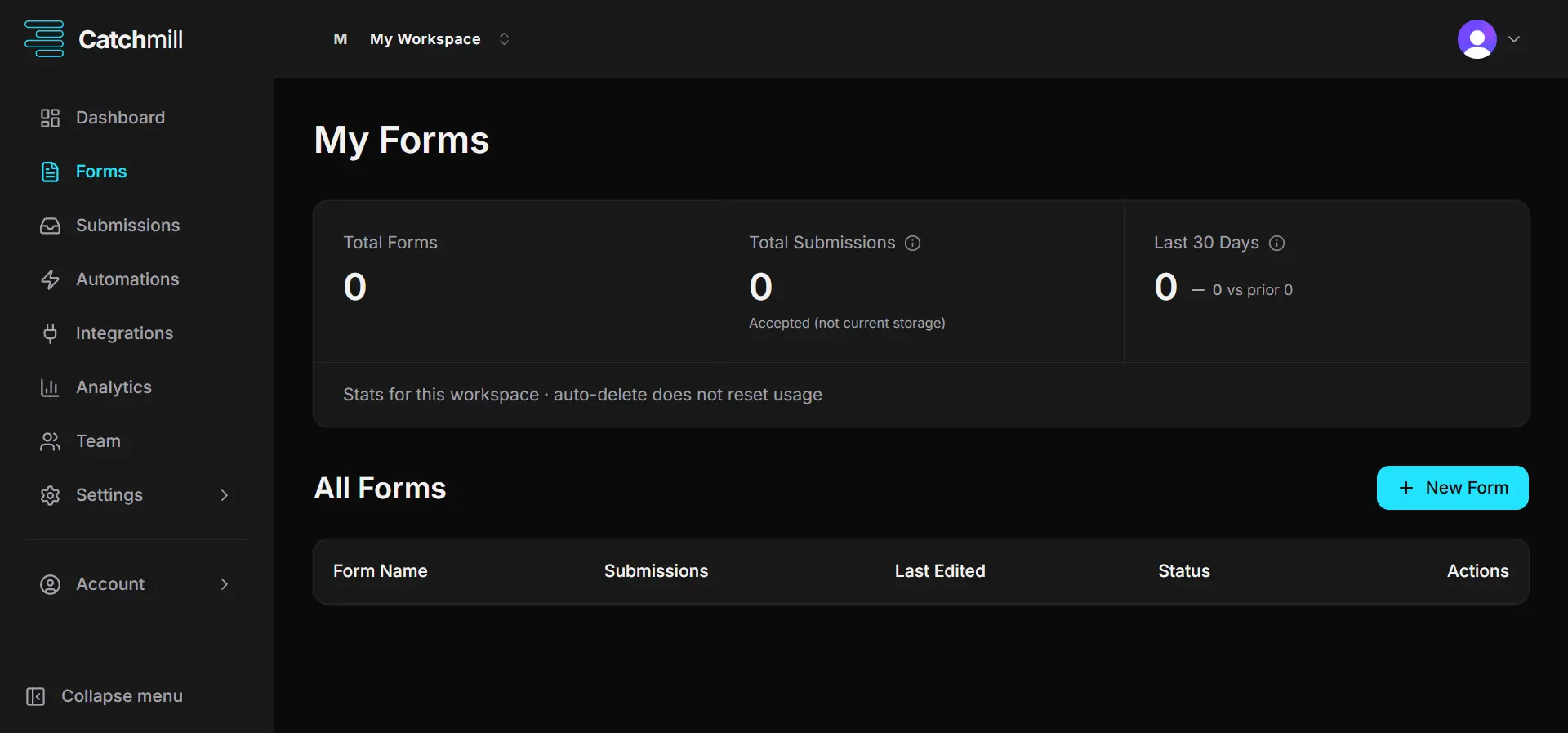
Give your form a clear name. This name helps you identify the form in your dashboard and does not have to be the same text your visitors see.
Open the Form Builder
After creating your form, Catchmill opens the form builder where you can start adding and arranging fields.
The builder is where you create the structure of your form. You can add fields, edit their settings, and arrange them in the order you want.
Start Building
Your form is now ready to build. Add the fields you need and configure them for your respondents.
When you're ready, continue with the next guides to learn how to add fields, configure your form, and publish it.
Was this article helpful?
Let us know so we can improve our documentation.